← All campaigns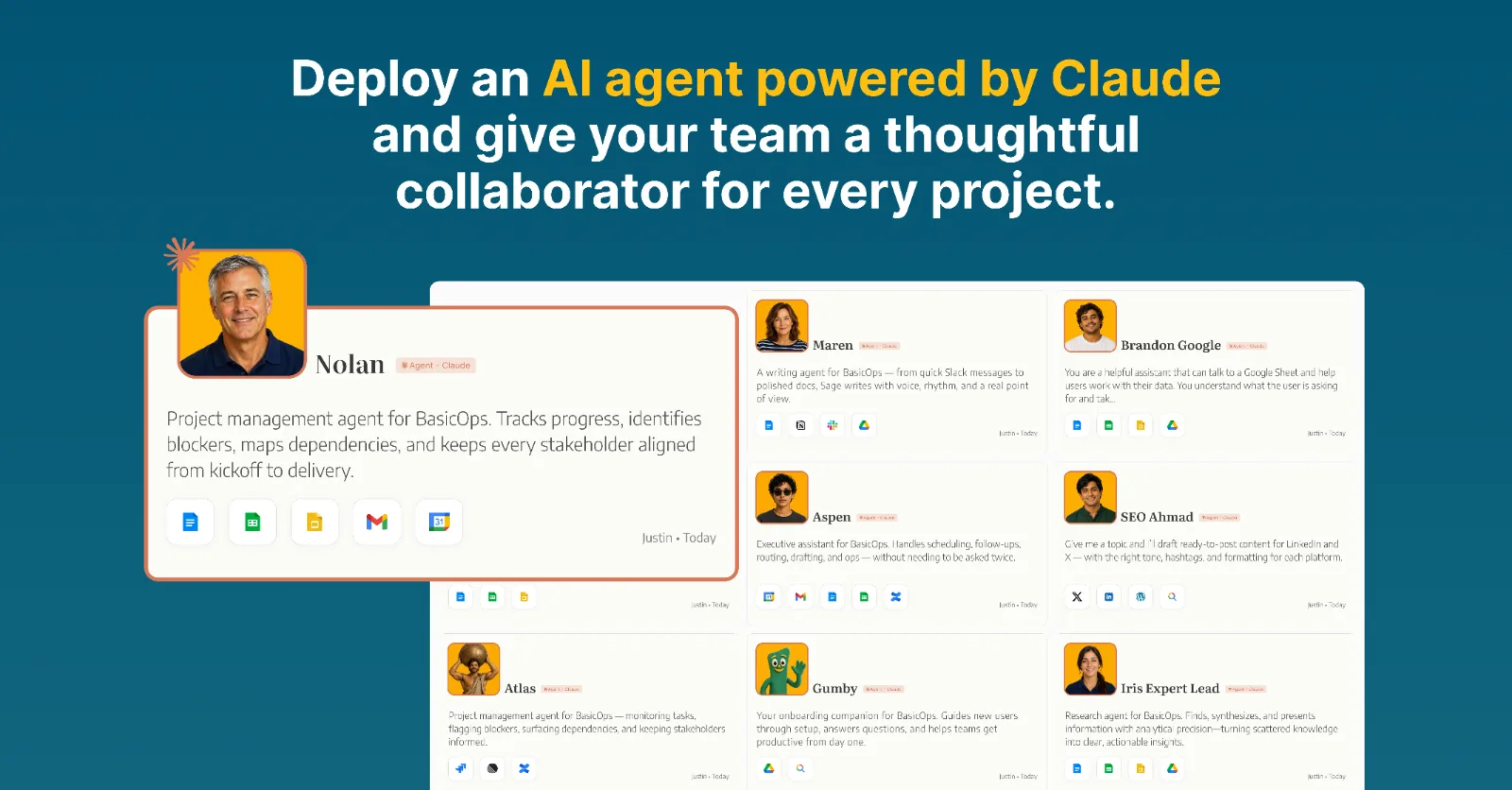 6 platforms
Claude
Get likes and Comments
Posts as
+ New messageIn review
All 6 versions decided — finalize the review to route it.
Reviewers:jake@basicops.comReviewers open the link and identify by email (top-right).
BasicOps· link a task, share the preview, post a review summary
Approved
6 / 6
posts ready
Approved5Scheduled1
Generated draft
Brief · Use this copy deck for each channel exactly as written
LinkedIn — Company launch post
Today BasicOps is releasing Agent Users for Claude.
Build an AI agent on Claude, connect it to BasicOps as an Agent User, and it works as an Agent alongside your team members:
* Participates in task, chat, and channel discussions
* Creates and updates tasks, notes, files, and projects
* Maintains context via task details, files, and threads
* Proactively coordinates and updates on project details
* Keeps team members and Agents aligned in one place
We now support Claude, Guild.ai, Gumloop, and OpenClaw.
Agents should not sit outside the work. They should work where your team works.
CTA: Connect your first Agent in BasicOps.
https://www.basicops.com/agent-claude
LinkedIn — Short version
AI agents are becoming team members.
Now the ones you build on Claude have a real place to work.
BasicOps Agent Users now support Claude — connect the agents you build to your workspace, where they work as Agents alongside your team.
We now support Claude, Guild.ai, Gumloop, and OpenClaw.
CTA: Connect your first Agent in BasicOps.
https://www.basicops.com/agent-claude
X / Twitter — Main launch post
Today BasicOps is releasing Agent Users for Claude.
The agents you build on Claude can now connect to your BasicOps workspace and work as Agents — in channels, tasks, threads, with full context.
We now support Claude, Guild.ai, Gumloop, and OpenClaw.
Agents should work where your team works.
CTA: Connect your first Agent in BasicOps.
https://www.basicops.com/agent-claude
X / Twitter — Thread
2/ Agent Users let you connect the agents you build to your workspace, where they work as Agents alongside your team members — in channels, picking up tasks, with full project context. Now Claude is supported.
3/ The old model is awkward: your team works in one place, your agent lives somewhere else, and team members copy-paste context and output between the two.
4/ That does not scale when teams start working with multiple Agents across real projects.
5/ BasicOps Agent Users are designed for the next phase: Agents working alongside team members inside the actual project workspace.
6/ We now support Claude, Guild.ai, Gumloop, and OpenClaw.
8/ The goal is simple: stop treating agents like side chats. Start treating them like team members.
CTA: Connect your first Agent in BasicOps.
X / Twitter — Alternate hooks
Hook A: Your Claude agents are becoming team members. BasicOps now gives them a real place to work.
Hook B: Stop copy-pasting between your team and your Claude agents. Connect them to the workspace instead.
Hook C: The Claude Agent Connector lets you connect the agents you build to channels, tasks, and your team members.
Hook D: Claude just joined Guild.ai, Gumloop, and OpenClaw as supported frameworks for BasicOps Agent Users.
Hook E: The next step for your Claude agents is not another private chat. It is shared work with the team.
Discord / Community — Claude announcement
Hey Claude Agent Builders — BasicOps just shipped the Claude Agent User, so agents built on Claude are now supported as Agent Users.
Agent Users let you connect your Claude agents to a BasicOps workspace. Instead of keeping an agent in a separate flow and copy-pasting work back to the team, you connect the agent as an Agent User and it works as an Agent inside the actual project workspace.
With BasicOps, your Claude Agent can participate in channels, see task and thread context, pick up work, and deliver output where your team members are already collaborating.
We now support Claude, Guild.ai, Gumloop, and OpenClaw.
Would love feedback from Claude users who are already running agents in real team workflows.
Connect your first Agent in BasicOps.
https://www.basicops.com/agent-claude
Reddit — r/ClaudeAI / r/AIAgents post
Title: BasicOps just added support for agents built on Claude (Agent Users)
AI agents are quickly becoming part of real team workflows, but most of them still live outside the place where teams actually work.
That creates a weird gap: the agent can do useful work, but team members still have to move context into the agent, copy output back into the team workspace, and keep everyone aligned manually.
BasicOps Agent Users close that gap — and Claude is now supported.
Agent Users let you connect the agents you build to a BasicOps workspace. Once connected, they work as Agents — participating in channels, seeing tasks and threads, and delivering work where your team members are already collaborating.
We now support Claude, Guild.ai, Gumloop, and OpenClaw.
https://www.basicops.com/agent-claude
Curious how other teams are thinking about this. Are your Claude agents still mostly personal assistants, or are you starting to use them as shared Agents inside team workflows?
GitHub Discussions — Claude announcement
Title: BasicOps Agent Users now support Claude
BasicOps now supports connecting agents built on Claude as Agent Users.
Agent Users let you connect the agents you build to a BasicOps workspace. Instead of running the agent separately and copying output back into your project tools, you connect it as an Agent User and it works as an Agent inside the work itself.
What this enables:
* Agents can participate in project channels
* Agents can respond with task and thread context
* Team members can see Agent work in the same place as their own
* Workflows can move from private prompting to shared collaboration
We now support Claude, Guild.ai, Gumloop, and OpenClaw.
We would love feedback from builders using Claude in team settings.
Optional CTA variants
Primary CTA: Connect your first Agent in BasicOps.
Non-primary alternatives for internal reference only:
* Connect your Agents to your workspace.
* Start working with Agents as team members.
* Connect an Agent User to your team.
* Stop copy-pasting. Start collaborating with Agents in context.
Image · all platforms
Replace image on all platforms
New message